Multi-user access enabled. Connect and share company files across your local network without user-count restrictions.
In Stock — Ready to Activate
Lifetime License
Windows 10 / 11
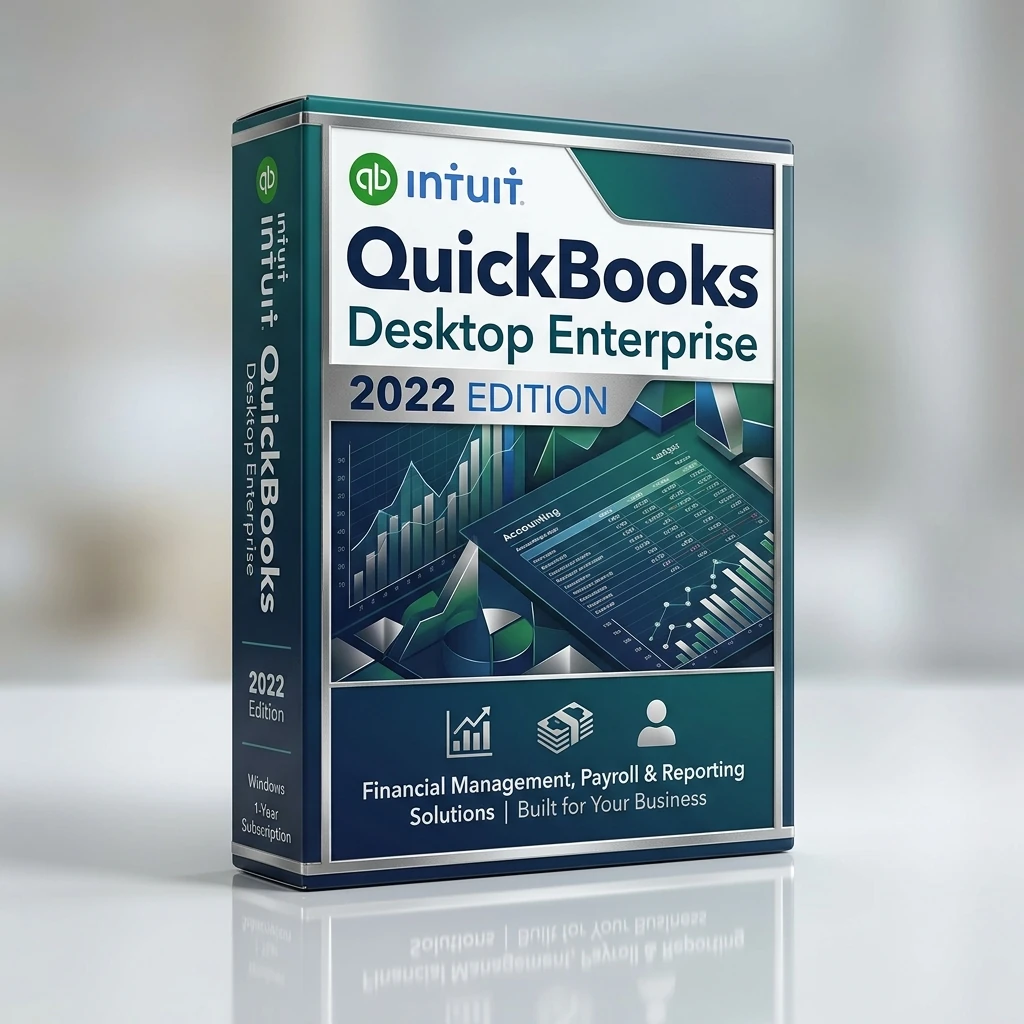
Buy a genuine QuickBooks Desktop Enterprise Solutions license with instant email delivery. Lifetime activation, verified key, and stay tax-ready with built-in business reporting and multi-use
Intuit Official Installer v22.0
Advanced Reporting & Invoicing
Multi-User License Included
Lifetime Activation
1
Instant Delivery
< 60 seconds email
Genuine License
Verified Authentic
30-Day Warranty
Money-Back Guarantee
24/7 Support
Setup Assistance
Quick Facts & License Details (Direct Answer for Buyers)
License Model:One-time purchase perpetual license without recurring monthly fees.
Delivery Time:Digital delivery within 60 seconds via email with download link and verified key.
What is Included:Genuine license credentials, official publisher download package, and setup guide.
Buyer Protection:Covered by a 30-Day Money-Back Guarantee and full activation assurance.
Detailed Product Overview
Review the edition details, compatibility notes, and buying guidance below before you place your order.
QuickBooks Desktop Enterprise Solutions 2022 (US) - Lifetime License gives you a practical way to buy a genuine lifetime license without waiting for physical delivery or dealing with unclear marketplace listings. This offer is built for bookkeepers, small-business owners, accountants, and operations teams who need reliable financial workflows. Instead of paying full retail for features you already know you need, you get a clean purchasing path, immediate order processing, and a product page that spells out what is included before checkout. For shoppers comparing several software stores, that matters because the real value is not only the price. It is also the speed of delivery, the clarity of the product version, and confidence that the software you receive matches the edition you intended to buy.
Intuit users usually care about whether the edition fits their workflow, whether installation is straightforward, and whether the purchase will continue to make sense months after activation. QuickBooks Desktop Enterprise Solutions 2022 (US) - Lifetime License is positioned for exactly that kind of buyer. The combination of Intuit Official Installer v22.0, Advanced Reporting & Invoicing, Multi-User License Included, Lifetime Activation makes it suitable for buyers who want a direct solution rather than a trial-and-error setup process. When you compare it with entry-level versions, the difference usually comes down to flexibility, advanced tools, device coverage, or long-term convenience. That is why we highlight the edition details, platform guidance, and activation steps directly on the page.
Another reason this product performs well for search-focused product pages is that people are usually looking for answers to very specific questions before they buy. They want to know if the license is appropriate for Windows 10 / 11, whether the activation path is simple, what kind of features are available after installation, and whether the product is a sensible fit for personal use, business use, or professional work. This page is designed to answer those questions in plain language. You can review the comparison section, the system requirements, and the FAQ without needing to leave the product page or guess what is included.
If you are evaluating QuickBooks Desktop Enterprise Solutions 2022 (US) - Lifetime License today, the best buying approach is to match the edition to your real workload. Buyers who only look at the headline price often end up choosing a version that lacks an important tool, while buyers who review the details usually make a better long-term decision. That is why this page combines pricing, compatibility notes, activation guidance, and related alternatives in one place. The goal is simple: help you purchase the right license quickly, activate it correctly, and move on with work using a product that already fits your needs from day one.
Use this quick comparison to see where QuickBooks Desktop Enterprise Solutions 2022 (US) - Lifetime License fits against nearby editions. This helps you choose the right license before checkout instead of upgrading later because a key feature was missing.
Feature
Desktop Pro
Online Plus
Enterprise
Best for
Local desktop accounting
Cloud collaboration
Larger operations and inventory
Access model
Installed on Windows PC
Browser and mobile access
Advanced desktop environment
Users
Small teams
Flexible remote collaboration
Larger multi-user setups
Inventory & reporting
Core tools
Strong cloud workflow
Most advanced controls
Typical buyer
Small businesses
Hybrid teams
Growing or complex businesses
System Requirements
Confirm these requirements before activation so installation goes smoothly on the device where you plan to use QuickBooks Desktop Enterprise Solutions 2022 (US) - Lifetime License.
Operating system: Supported Windows version or a current web browser for cloud editions.
Memory: 8 GB RAM recommended for fast reporting and multi-tasking.
Storage: 5 GB or more free space for application files and company data.
Display: 1280x800 or higher resolution for comfortable spreadsheet work.
Connection: Stable internet for updates, cloud sync, data backups, and integrations.
Product FAQ
These are the most common questions buyers ask before purchasing this edition.
What is included with QuickBooks Desktop Enterprise Solutions 2022 (US) - Lifetime License?
QuickBooks Desktop Enterprise Solutions 2022 (US) - Lifetime License includes the purchased lifetime license, the activation details needed to start using it, and access to the guidance on this page so you can complete setup without guesswork.
Will QuickBooks Desktop Enterprise Solutions 2022 (US) - Lifetime License work on Windows 10 / 11?
This edition is intended for Windows 10 / 11. Before ordering, compare the system requirements and the platform notes on this page so you choose the edition that matches the device you actually plan to use.
How is QuickBooks Desktop Enterprise Solutions 2022 (US) - Lifetime License delivered after payment?
Orders are processed digitally. Once payment is confirmed, the order moves through the delivery flow described on the site, and you can follow the activation guide on this page to complete setup correctly.
Is this the right edition if I need more advanced features later?
If you expect your workload to grow, use the comparison table on this page before checkout. It shows where entry, mid-tier, and advanced editions differ so you can buy the version that fits your long-term needs.
What should I do if activation does not complete on the first try?
Work through the activation steps in order, verify that the device meets the requirements, and make sure the correct account or application screen is being used. If the issue continues, support can review the order details with you.
Activation Guide
Follow these steps in order to activate QuickBooks Desktop Enterprise Solutions 2022 (US) - Lifetime License correctly on the first pass.
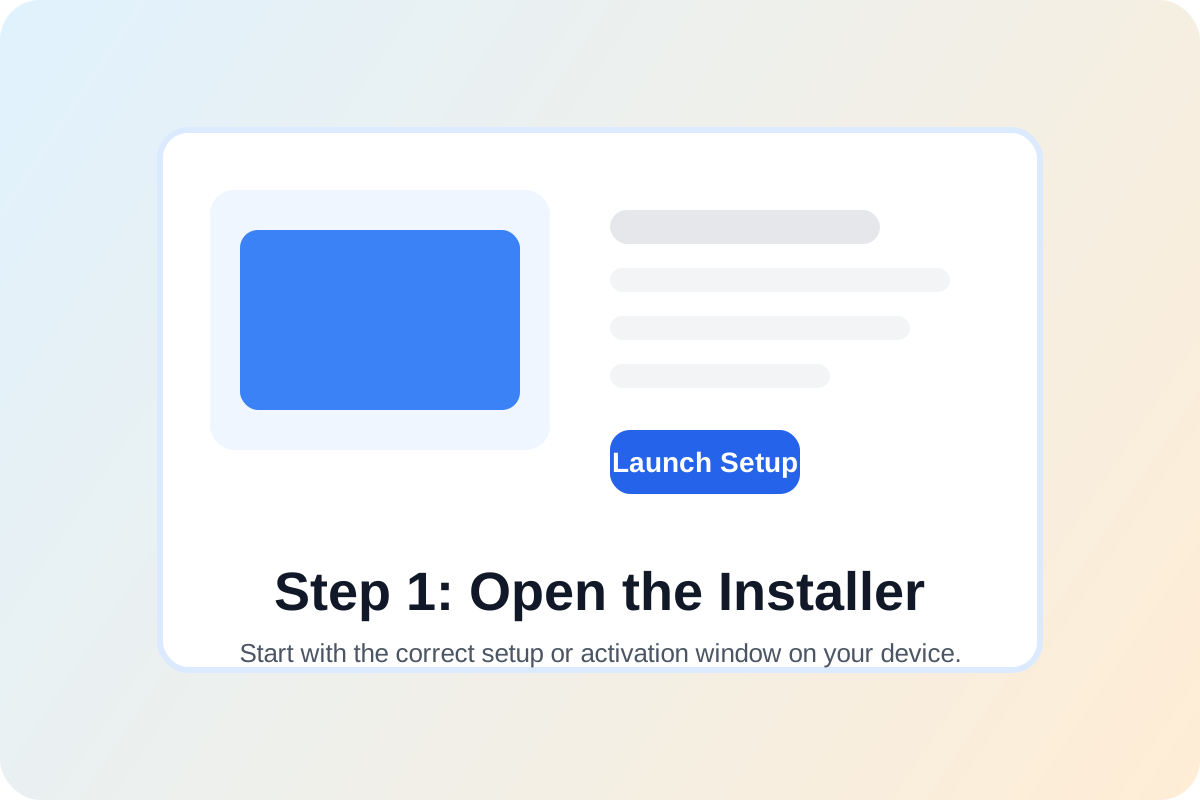
Start on the device where you want to use QuickBooks Desktop Enterprise Solutions 2022 (US) - Lifetime License. Open the product installer, account portal, or software activation window for this edition before entering any license information.
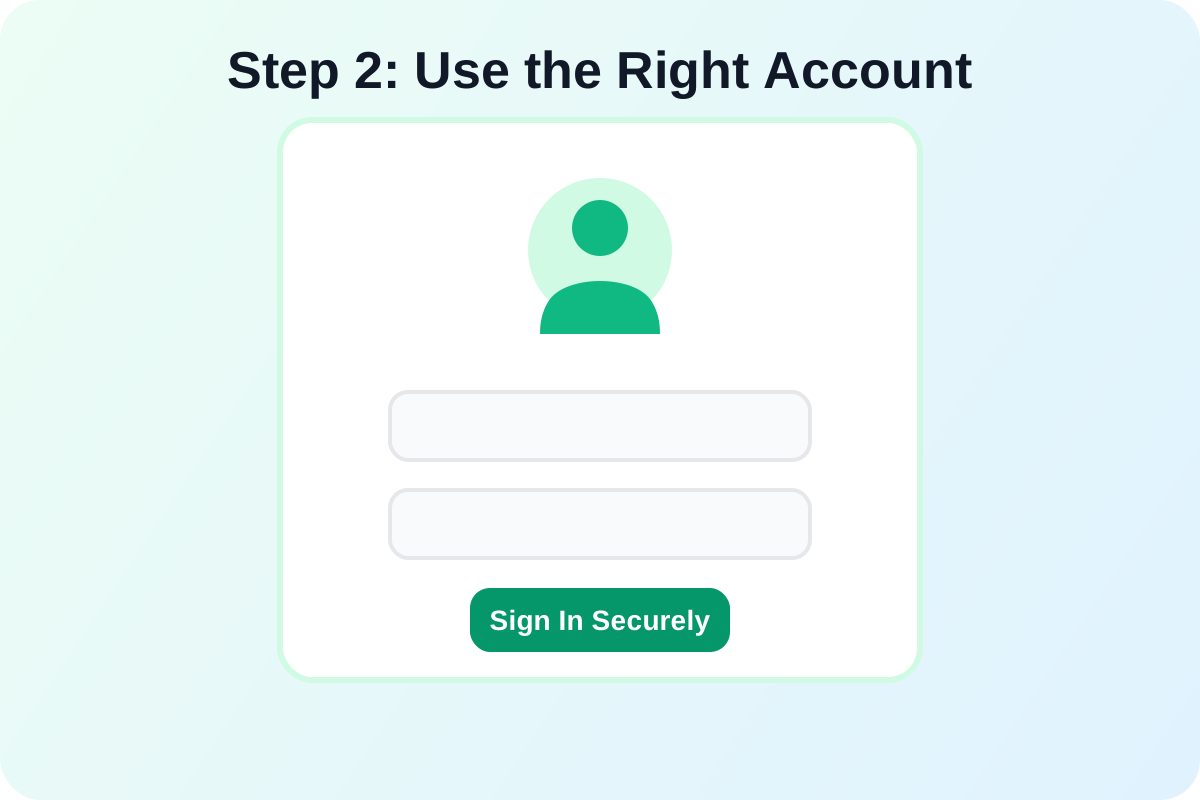
Step 2
Sign in with the correct account if required
If the software uses an account-based workflow, sign in with the account you intend to keep using. This helps prevent activation confusion later when updates or downloads are tied to that account.
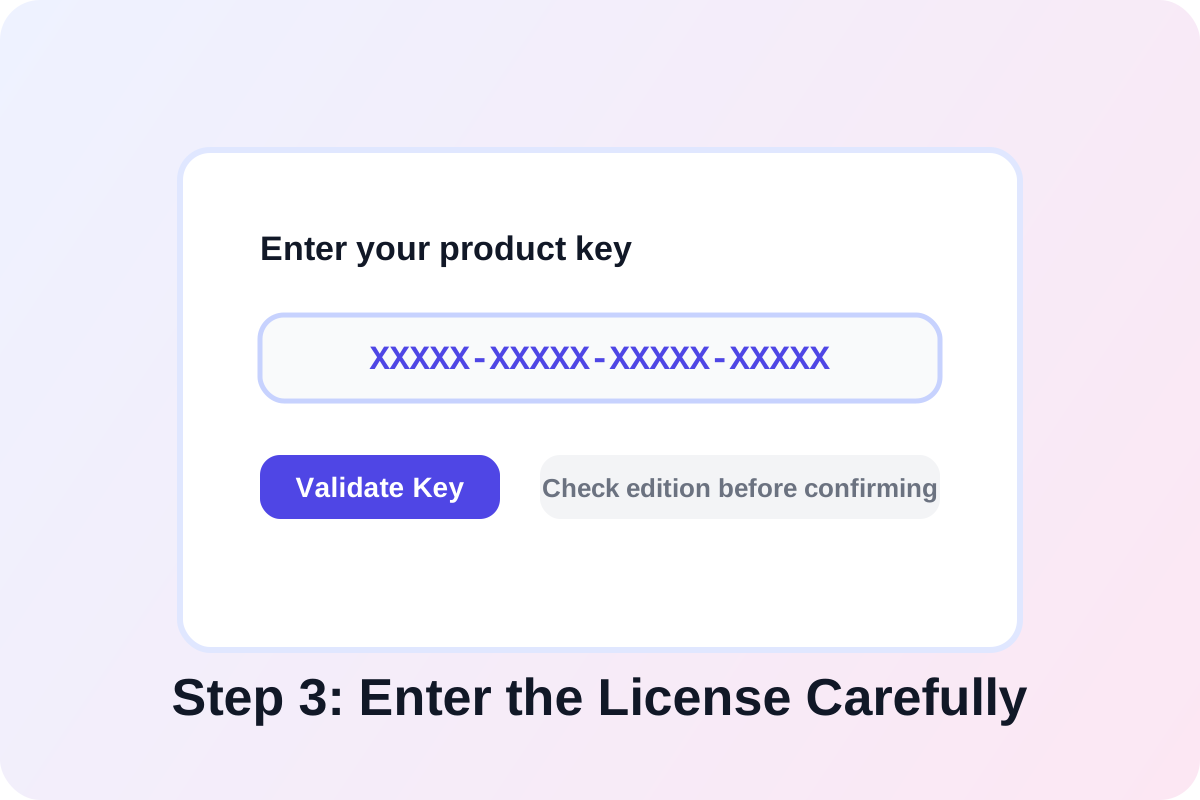
Step 3
Enter the license details carefully
Copy the activation information exactly as provided, then paste or type it into the product key, subscription, or redemption field. Check for extra spaces and confirm you are using the matching product edition.
Step 4
Confirm activation and verify product status
Finish the on-screen prompts, restart the application if needed, and verify that the software now shows an activated status. After that, run updates so the installation is fully current and ready for use.