Save 80%
📄
Microsoft Office 2021 Home & Student
Productivity

Microsoft Office 2021 Home & Student

No verified reviews yet
$29.99$149.99-80%
In Stock (30)
Lifetime / One-time purchase
Windows / Mac

Lifetime license for Office 2021 Home & Student

Word document processing
Excel spreadsheets
PowerPoint presentations
OneNote note-taking
Offline access
Classic desktop apps
1
Instant Delivery
Genuine License
Money-Back
24/7 Support

Detailed Product Overview

Review the edition details, compatibility notes, and buying guidance below before you place your order.

Microsoft Office 2021 Home & Student gives you a practical way to buy a genuine lifetime / one-time purchase without waiting for physical delivery or dealing with unclear marketplace listings. This offer is built for students, home offices, growing businesses, and departments that need everyday productivity tools. Instead of paying full retail for features you already know you need, you get a clean purchasing path, immediate order processing, and a product page that spells out what is included before checkout. For shoppers comparing several software stores, that matters because the real value is not only the price. It is also the speed of delivery, the clarity of the product version, and confidence that the software you receive matches the edition you intended to buy.

Microsoft users usually care about whether the edition fits their workflow, whether installation is straightforward, and whether the purchase will continue to make sense months after activation. Microsoft Office 2021 Home & Student is positioned for exactly that kind of buyer. The combination of Word document processing, Excel spreadsheets, PowerPoint presentations, OneNote note-taking makes it suitable for buyers who want a direct solution rather than a trial-and-error setup process. When you compare it with entry-level versions, the difference usually comes down to flexibility, advanced tools, device coverage, or long-term convenience. That is why we highlight the edition details, platform guidance, and activation steps directly on the page.

Another reason this product performs well for search-focused product pages is that people are usually looking for answers to very specific questions before they buy. They want to know if the license is appropriate for Windows / Mac, whether the activation path is simple, what kind of features are available after installation, and whether the product is a sensible fit for personal use, business use, or professional work. This page is designed to answer those questions in plain language. You can review the comparison section, the system requirements, and the FAQ without needing to leave the product page or guess what is included.

If you are evaluating Microsoft Office 2021 Home & Student today, the best buying approach is to match the edition to your real workload. Buyers who only look at the headline price often end up choosing a version that lacks an important tool, while buyers who review the details usually make a better long-term decision. That is why this page combines pricing, compatibility notes, activation guidance, and related alternatives in one place. The goal is simple: help you purchase the right license quickly, activate it correctly, and move on with work using a product that already fits your needs from day one.

ProductMicrosoft Office 2021 Home & Student
CategoryProductivity
License TypeLifetime / One-time purchase
PlatformWindows / Mac
DeliveryInstant — within 30 seconds
LanguageMulti-language
RegionGlobal — works worldwide

Productivity Version Comparison

Use this quick comparison to see where Microsoft Office 2021 Home & Student fits against nearby editions. This helps you choose the right license before checkout instead of upgrading later because a key feature was missing.

FeatureOffice HomeOffice Pro PlusMicrosoft 365 / Project
Best forBasic office tasksProfessional desktop appsSubscription or specialist workflows
Included appsCore essentialsBroader business suiteCloud or project-focused set
Update modelFixed releaseFixed releaseContinuous or specialized updates
CollaborationLightBusiness-readyBest for shared workflows
Typical buyerStudents and homesProfessionals and officesTeams with evolving needs

System Requirements

Confirm these requirements before activation so installation goes smoothly on the device where you plan to use Microsoft Office 2021 Home & Student.

Operating system: Supported Windows or macOS version depending on the edition.
Memory: 4 GB RAM minimum, 8 GB recommended for multi-app work.
Storage: 10 GB available space for installation and templates.
Display: 1280x768 or higher resolution.
Connection: Internet required for account setup, updates, and cloud services.

Product FAQ

These are the most common questions buyers ask before purchasing this edition.

What is included with Microsoft Office 2021 Home & Student?
Microsoft Office 2021 Home & Student includes the purchased lifetime / one-time purchase, the activation details needed to start using it, and access to the guidance on this page so you can complete setup without guesswork.
Will Microsoft Office 2021 Home & Student work on Windows / Mac?
This edition is intended for Windows / Mac. Before ordering, compare the system requirements and the platform notes on this page so you choose the edition that matches the device you actually plan to use.
How is Microsoft Office 2021 Home & Student delivered after payment?
Orders are processed digitally. Once payment is confirmed, the order moves through the delivery flow described on the site, and you can follow the activation guide on this page to complete setup correctly.
Is this the right edition if I need more advanced features later?
If you expect your workload to grow, use the comparison table on this page before checkout. It shows where entry, mid-tier, and advanced editions differ so you can buy the version that fits your long-term needs.
What should I do if activation does not complete on the first try?
Work through the activation steps in order, verify that the device meets the requirements, and make sure the correct account or application screen is being used. If the issue continues, support can review the order details with you.

Activation Guide

Follow these steps in order to activate Microsoft Office 2021 Home & Student correctly on the first pass.

View all activation guides
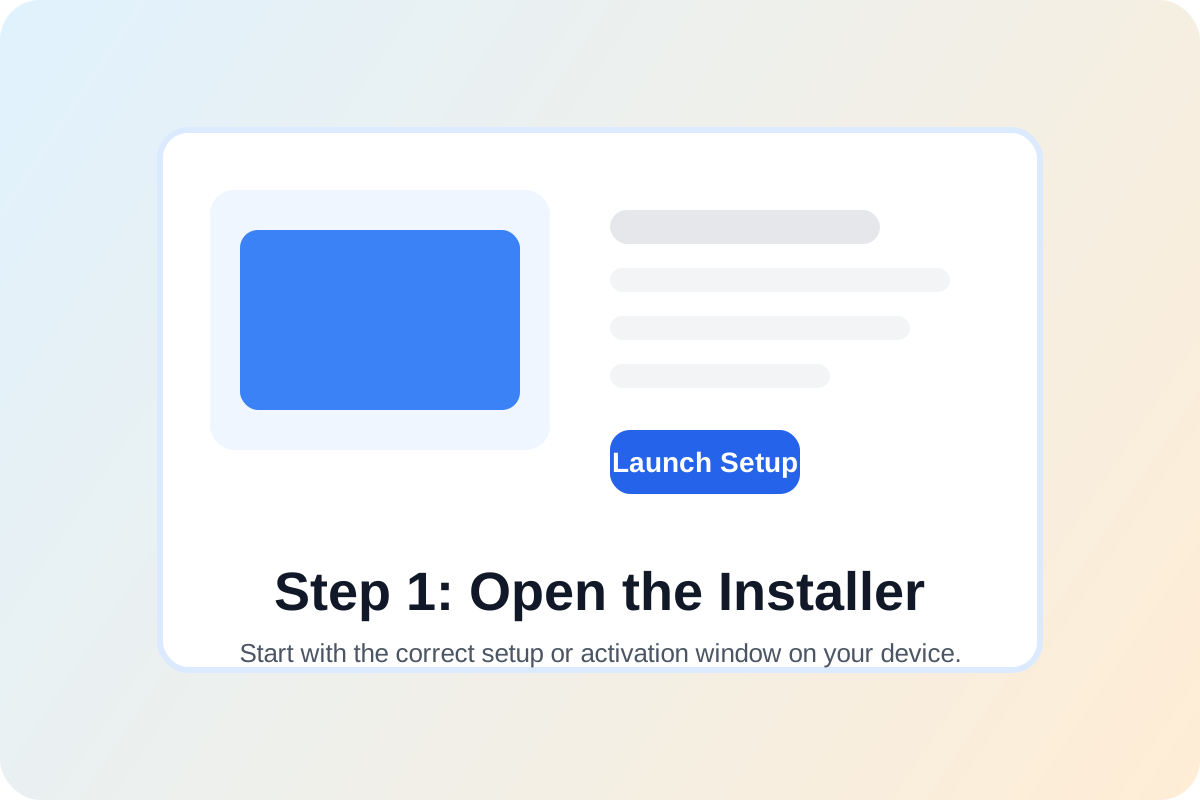
Microsoft Office 2021 Home & Student activation step 1: open installer or activation screen

Step 1

Open the installer or activation screen

Start on the device where you want to use Microsoft Office 2021 Home & Student. Open the product installer, account portal, or software activation window for this edition before entering any license information.

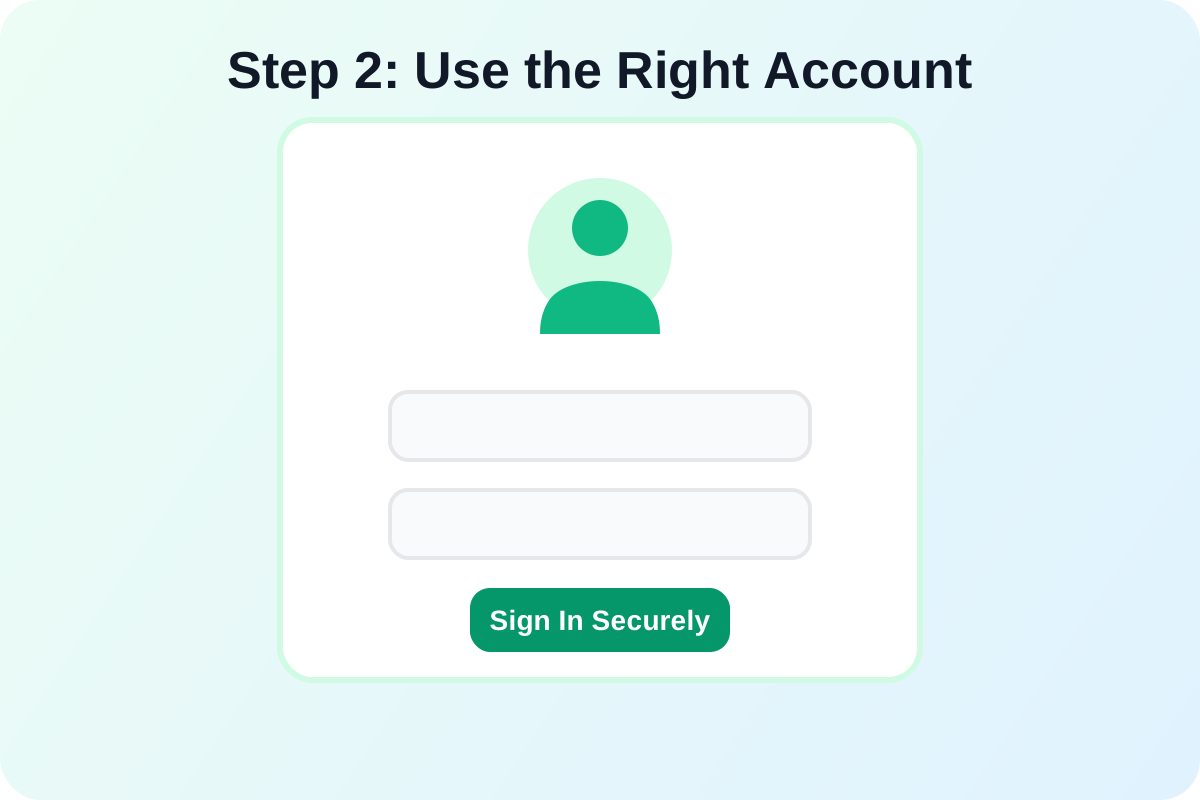
Microsoft Office 2021 Home & Student activation step 2: sign in with the correct account

Step 2

Sign in with the correct account if required

If the software uses an account-based workflow, sign in with the account you intend to keep using. This helps prevent activation confusion later when updates or downloads are tied to that account.

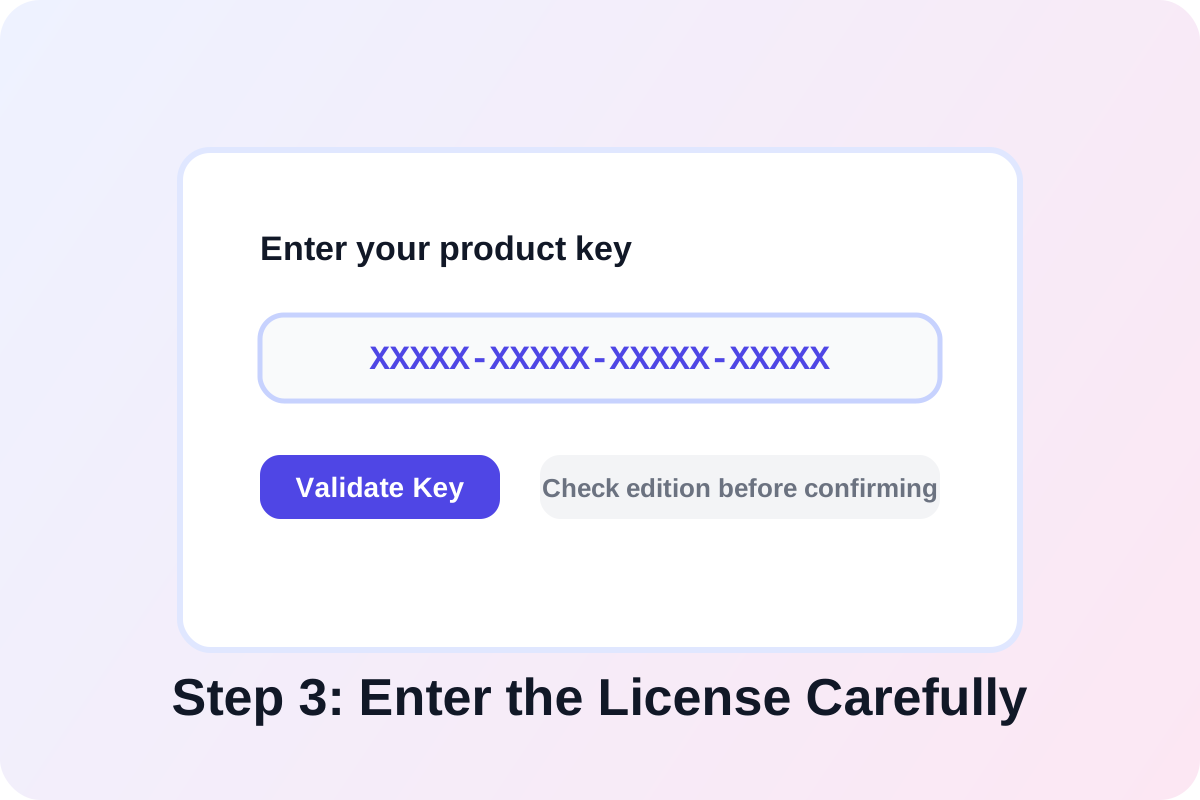
Microsoft Office 2021 Home & Student activation step 3: enter the license or redemption code

Step 3

Enter the license details carefully

Copy the activation information exactly as provided, then paste or type it into the product key, subscription, or redemption field. Check for extra spaces and confirm you are using the matching product edition.

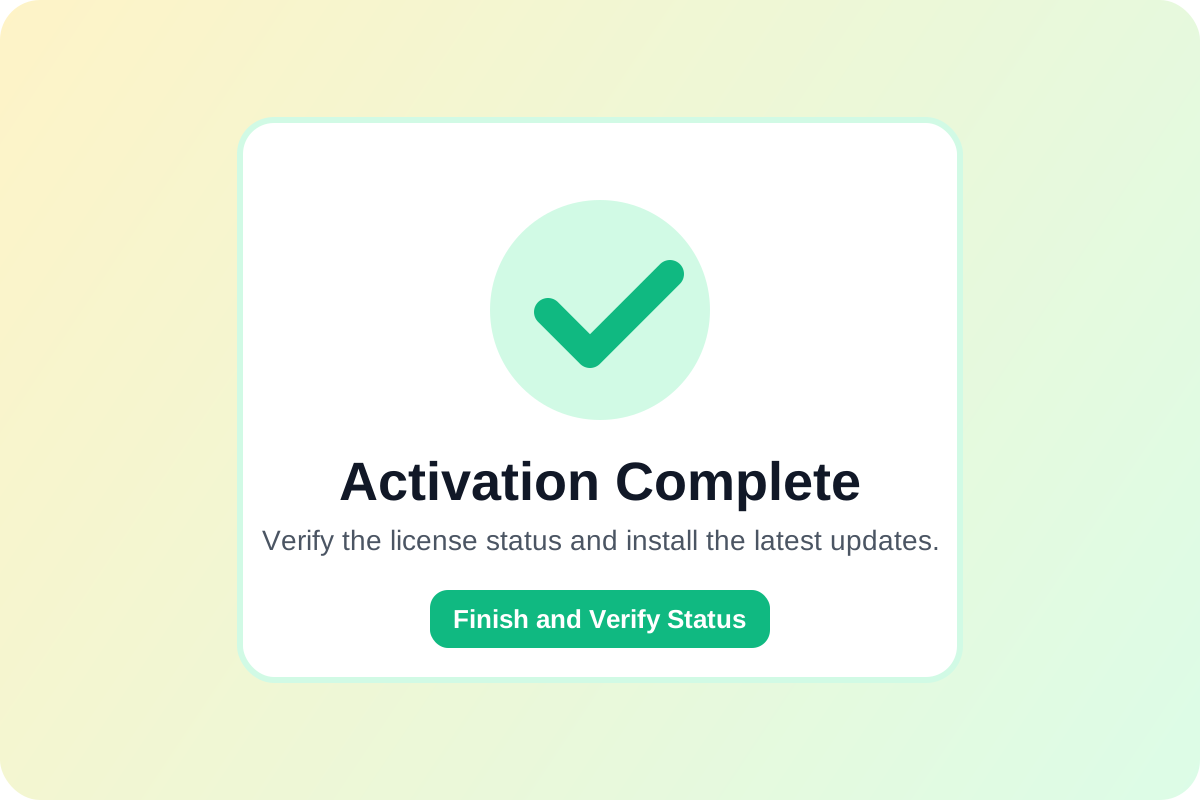
Microsoft Office 2021 Home & Student activation step 4: confirm activation and verify status

Step 4

Confirm activation and verify product status

Finish the on-screen prompts, restart the application if needed, and verify that the software now shows an activated status. After that, run updates so the installation is fully current and ready for use.

You May Also Like